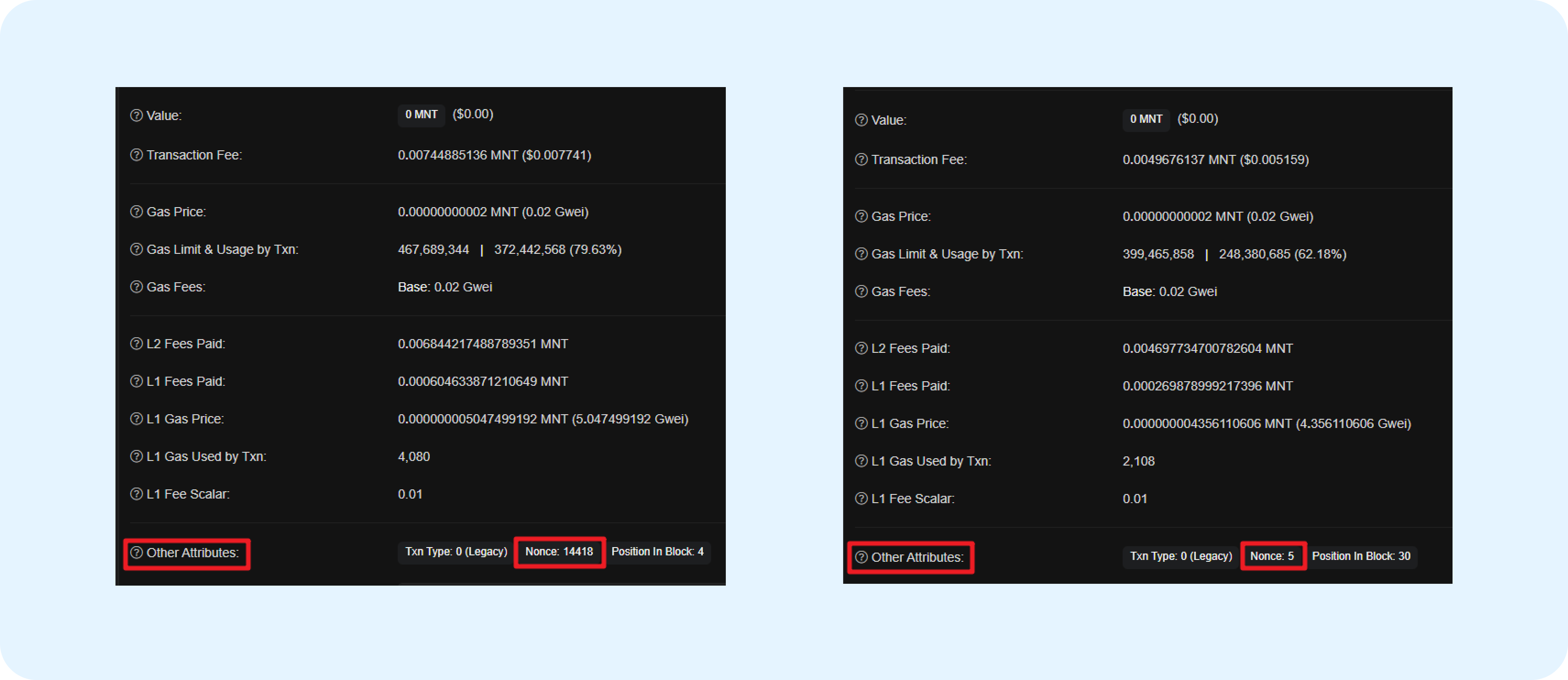
Setup Process
- Add the network in Custom EVM networks settings
- Import tokens via Token list (see Manage Tokens & NFTs)
- Add the custom chain to your wallet
- Transact as you would on any EVM chain
Add a Custom Network
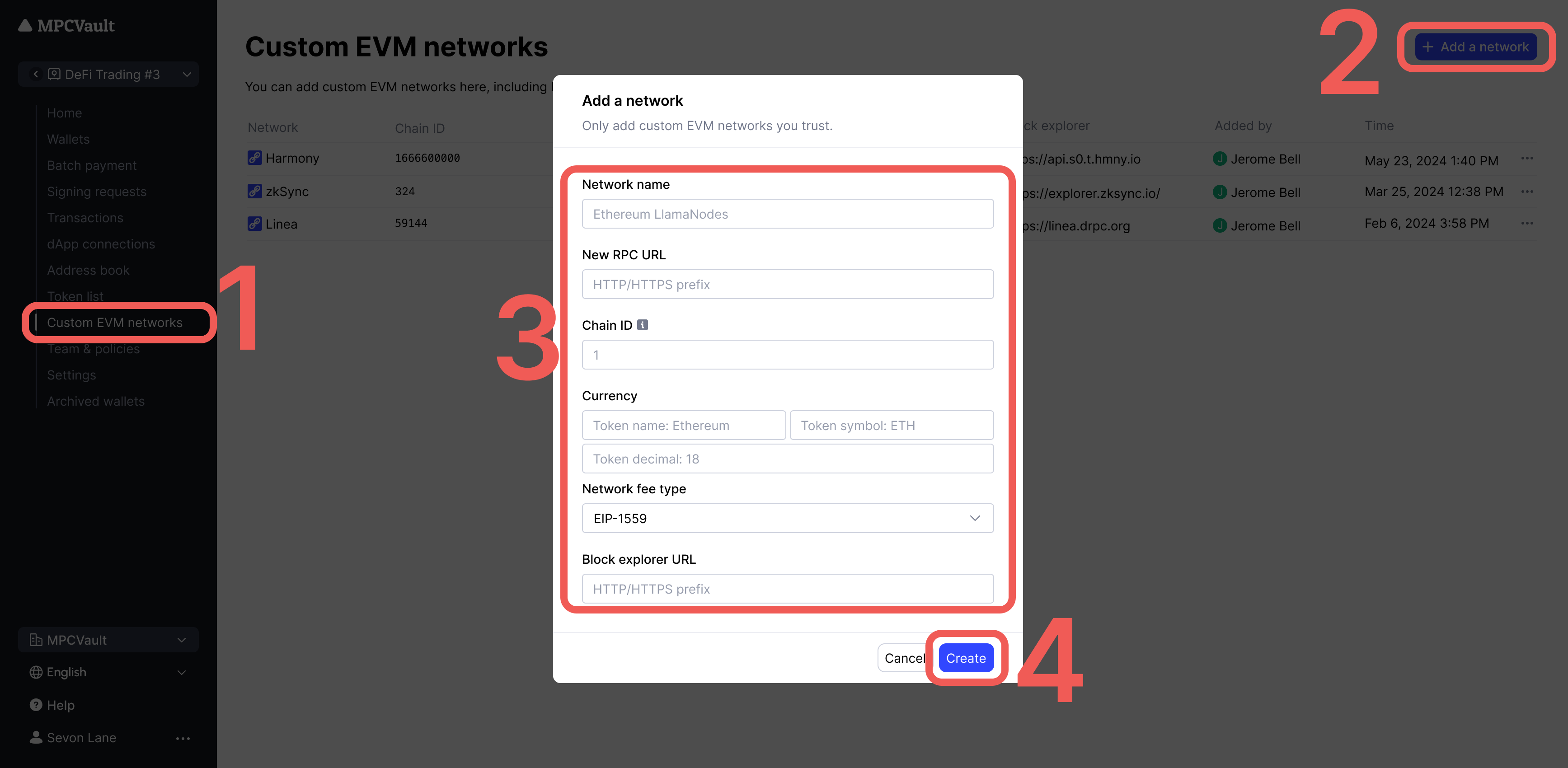
- Go to console.mpcvault.com.
- Navigate to vault settings > Custom EVM networks.
- Click + Add a network and enter the chain details.
- Click Create to save.
Only add trusted RPC URLs. Reference Chainlist for verified chain and node information.
Troubleshooting
Transaction Not Found
The transaction may not have been broadcast yet. Use the Re-broadcast button in the signing request details.Transaction Failed
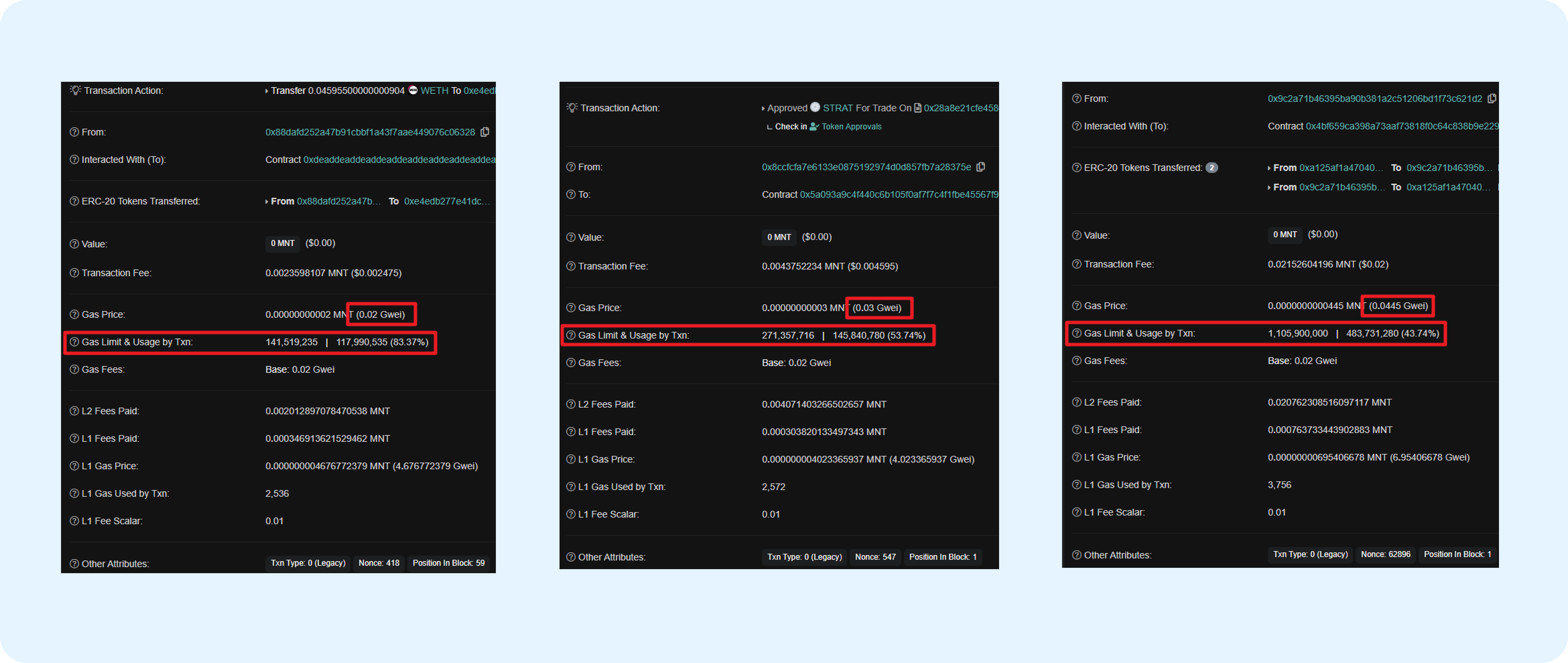
Usually caused by incorrect gas settings. Reference recent similar transactions on a block explorer to find appropriate values.”Intrinsic gas too low” Error
- Find your chain’s block explorer (search “[chain name] explorer”)
- Locate a recent successful transaction of the same type
- Check the Gas Limit & Usage and Gas Price fields
- Set your gas slightly higher than the reference values
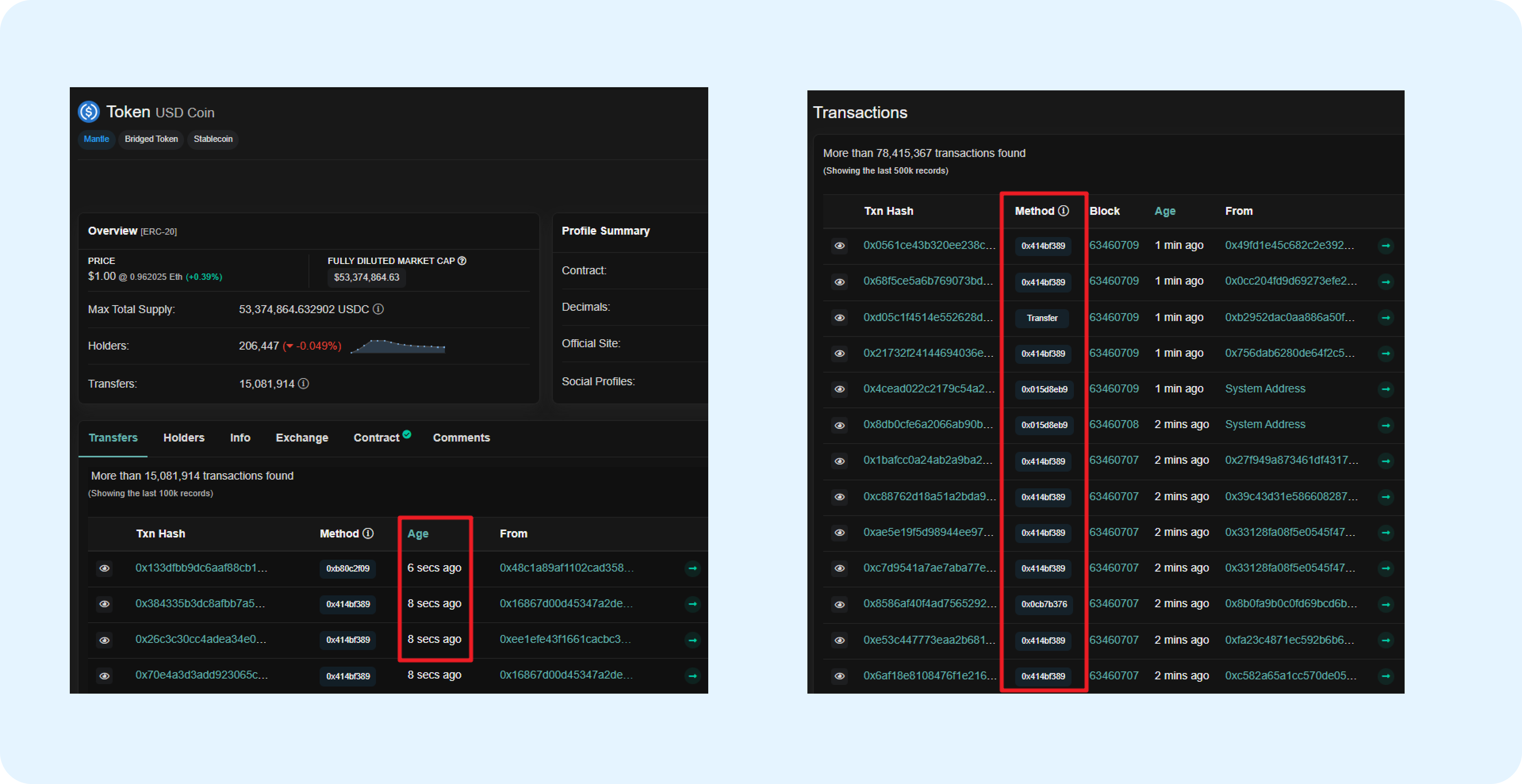
Match the transaction type (Legacy or EIP-1559) when referencing gas values.
”Nonce too low” Error
Re-initiate with the correct nonce. The nonce starts at 0 and increments by 1 for each transaction. Check the block explorer for your wallet’s latest nonce.