

Vaults
A vault is a collection of blockchain addresses with its own members and transaction policies. Use multiple vaults to separate assets with different security requirements.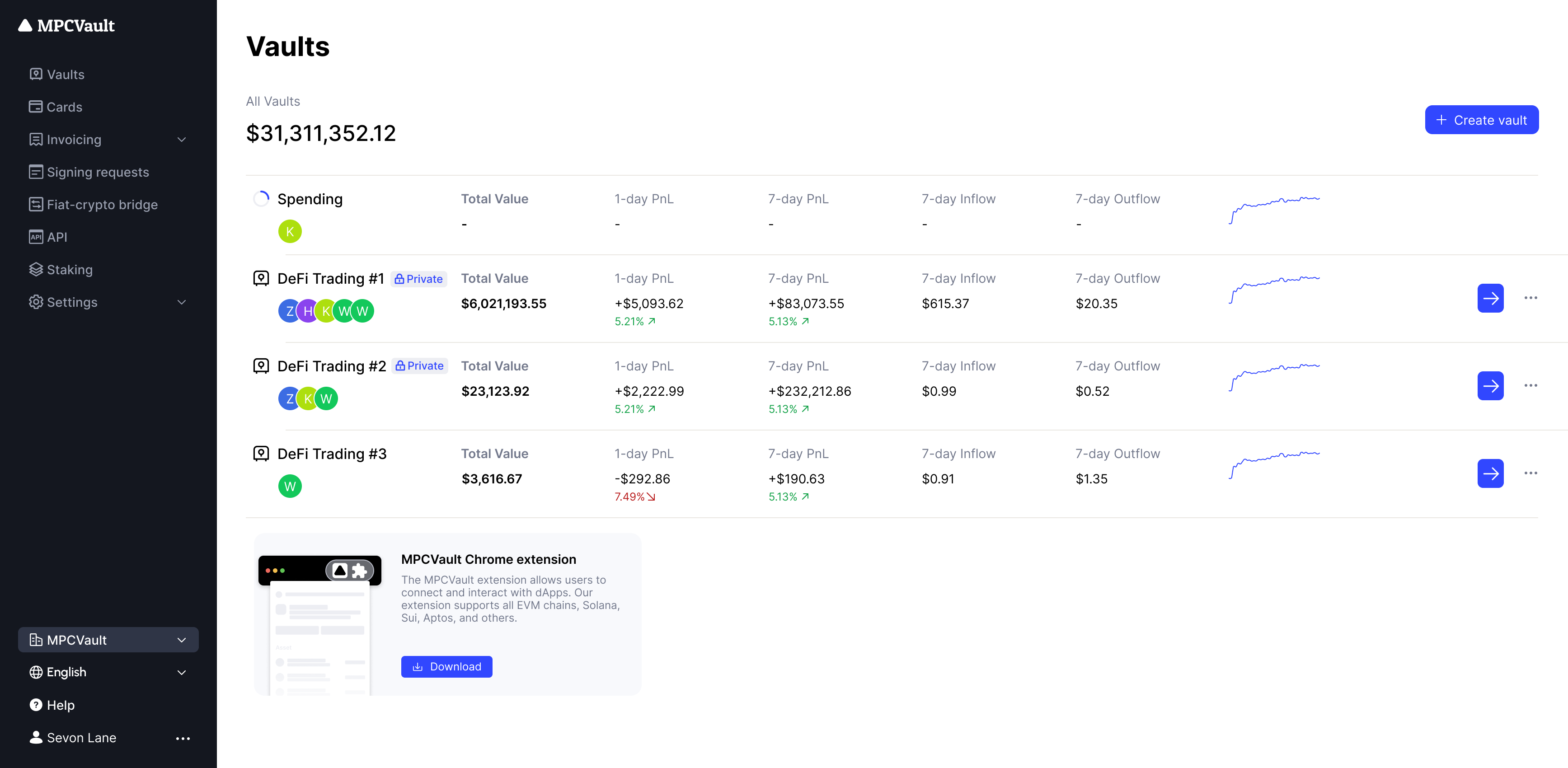
Wallets
A wallet is a blockchain address with its own key pair. Create multiple wallets within a vault for different chains and purposes. MPCVault maintains the same address across all EVM chains—no risk of sending to the wrong network.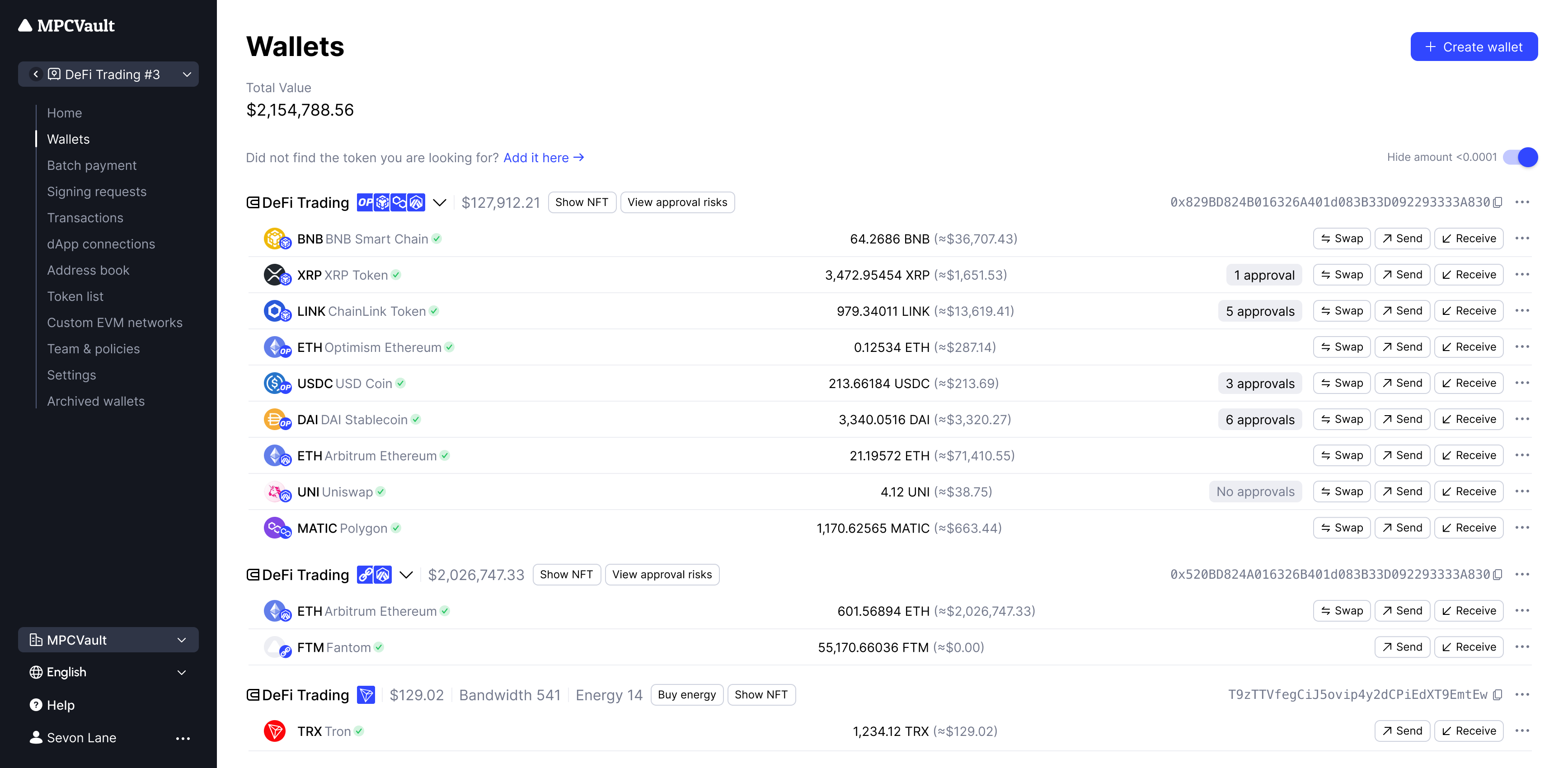
Each wallet address is derived using a unique path based on the vault index, network, and address index. See Key Derivation for technical details on derivation paths and supported networks.
Creating a Wallet
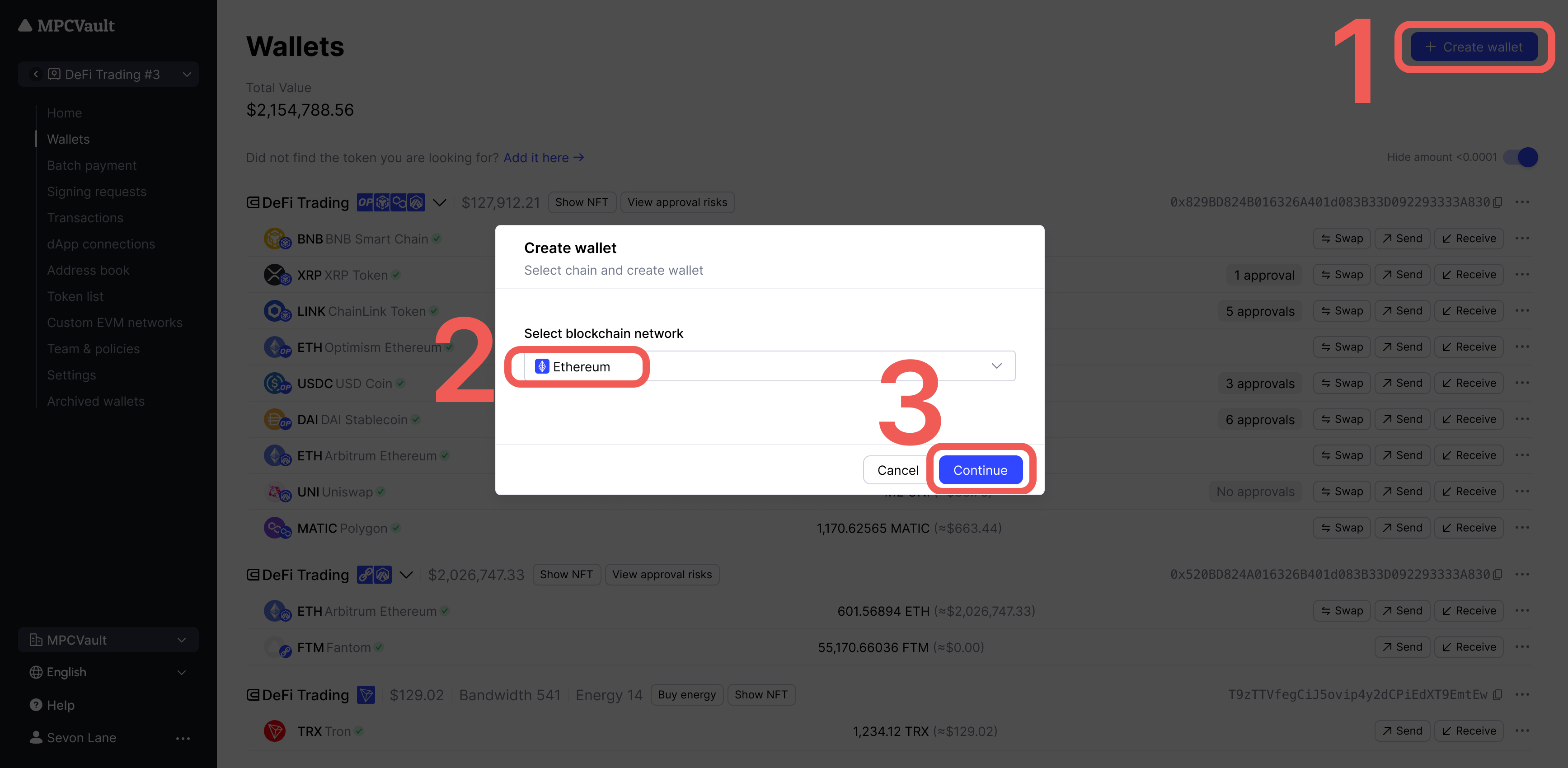
- Go to Wallets and click Create wallet.
-
Select the blockchain network and click Continue.
-
Sign the request in the MPCVault app.
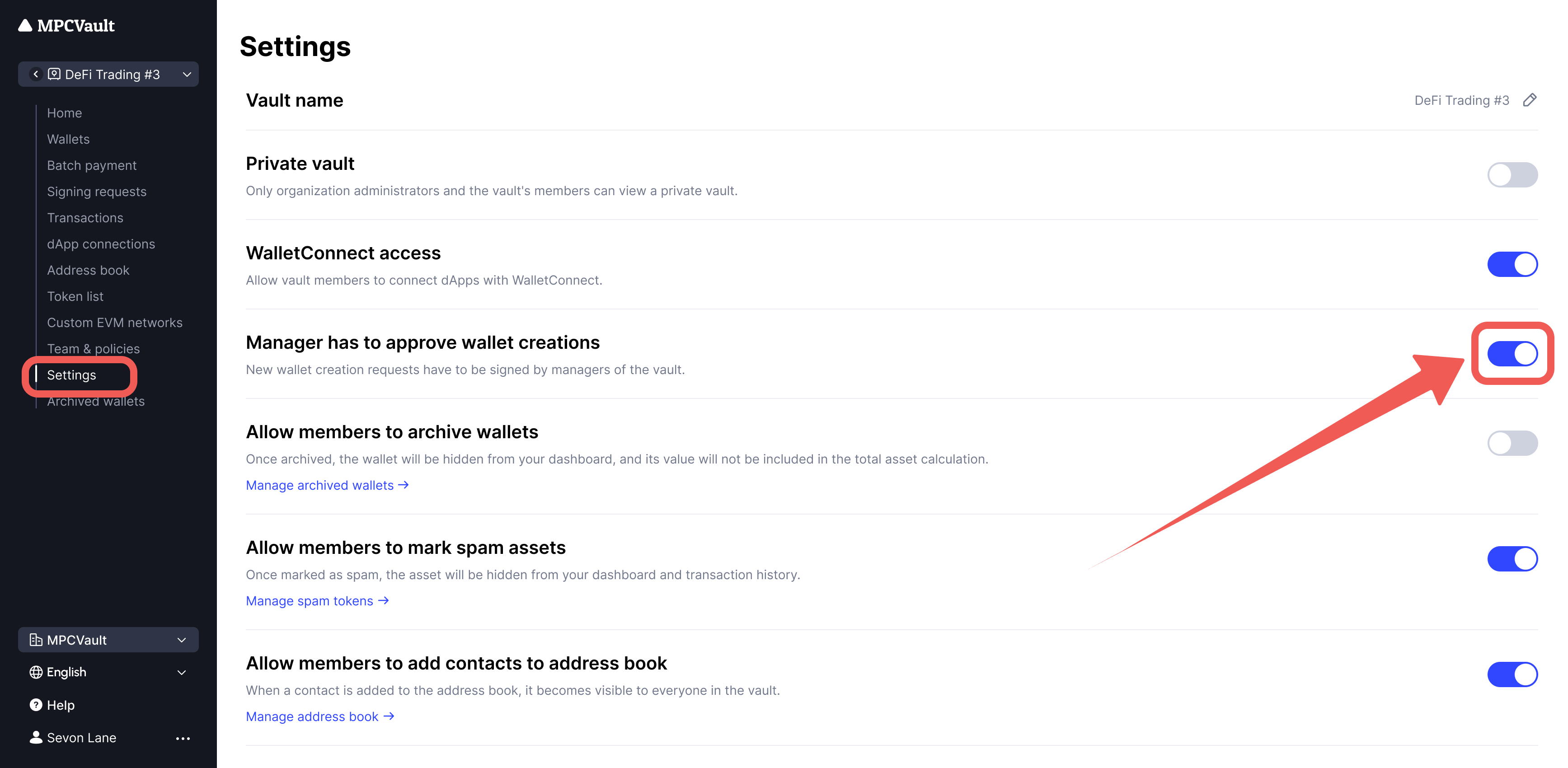
If Manager has to approve wallet creations is enabled in settings, a manager must approve the request.