> ## Documentation Index
> Fetch the complete documentation index at: https://docs.mpcvault.com/llms.txt
> Use this file to discover all available pages before exploring further.
# Vaults and Wallets
> Understand how vaults and wallets organize your assets in MPCVault.
## Vaults
A vault is a collection of blockchain addresses with its own members and transaction policies. Use multiple vaults to separate assets with different security requirements.
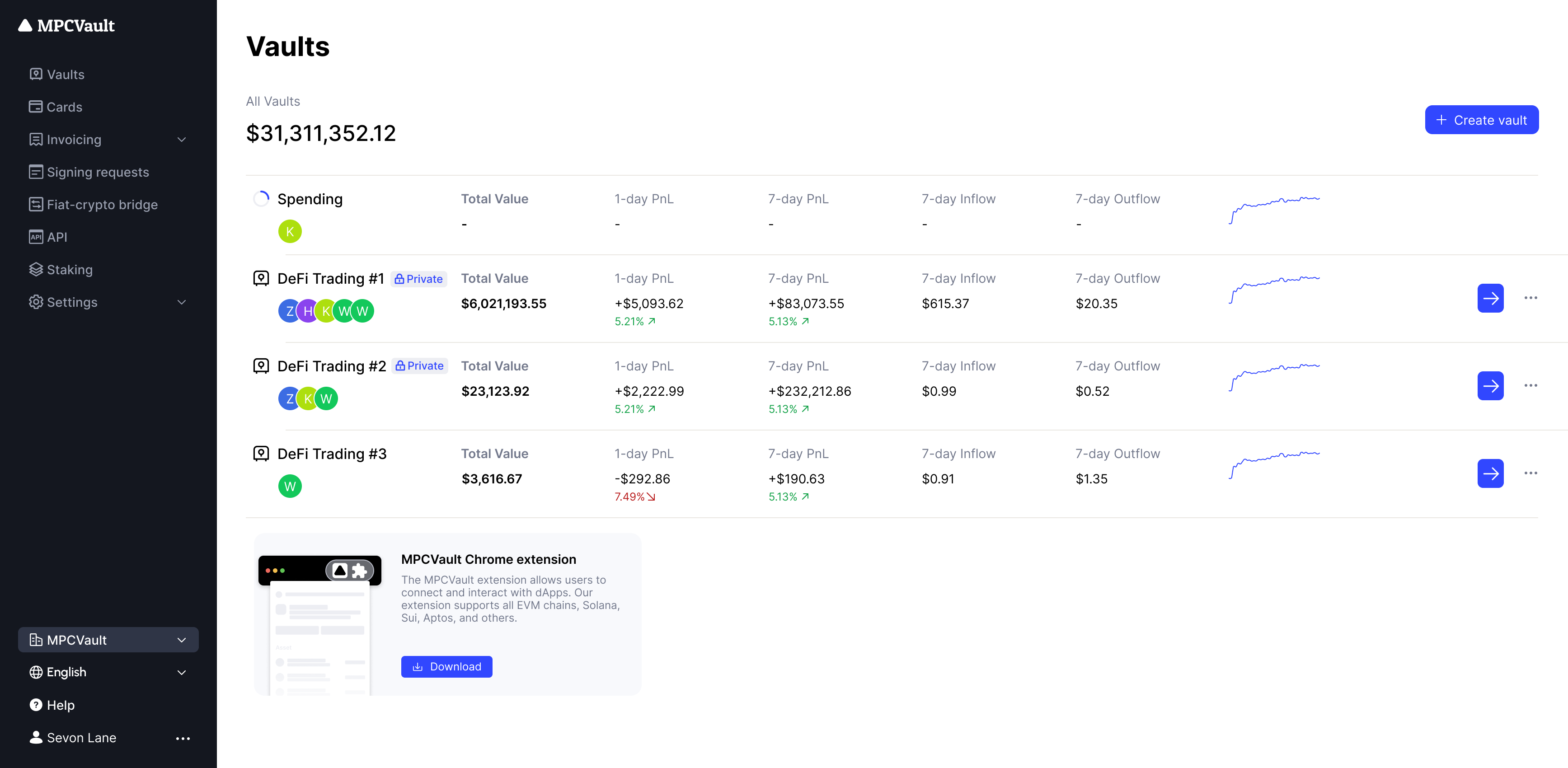 **Example setup:**
| Vault | Purpose | Policy |
| --------- | ----------------------- | ---------------------------------------- |
| Operating | Day-to-day transactions | Any member can sign |
| Reserve | Large holdings | 2-of-3 approval for amounts over \$1,000 |
## Wallets
A wallet is a blockchain address with its own key pair. Create multiple wallets within a vault for different chains and purposes.
MPCVault maintains the same address across all EVM chains—no risk of sending to the wrong network.
**Example setup:**
| Vault | Purpose | Policy |
| --------- | ----------------------- | ---------------------------------------- |
| Operating | Day-to-day transactions | Any member can sign |
| Reserve | Large holdings | 2-of-3 approval for amounts over \$1,000 |
## Wallets
A wallet is a blockchain address with its own key pair. Create multiple wallets within a vault for different chains and purposes.
MPCVault maintains the same address across all EVM chains—no risk of sending to the wrong network.
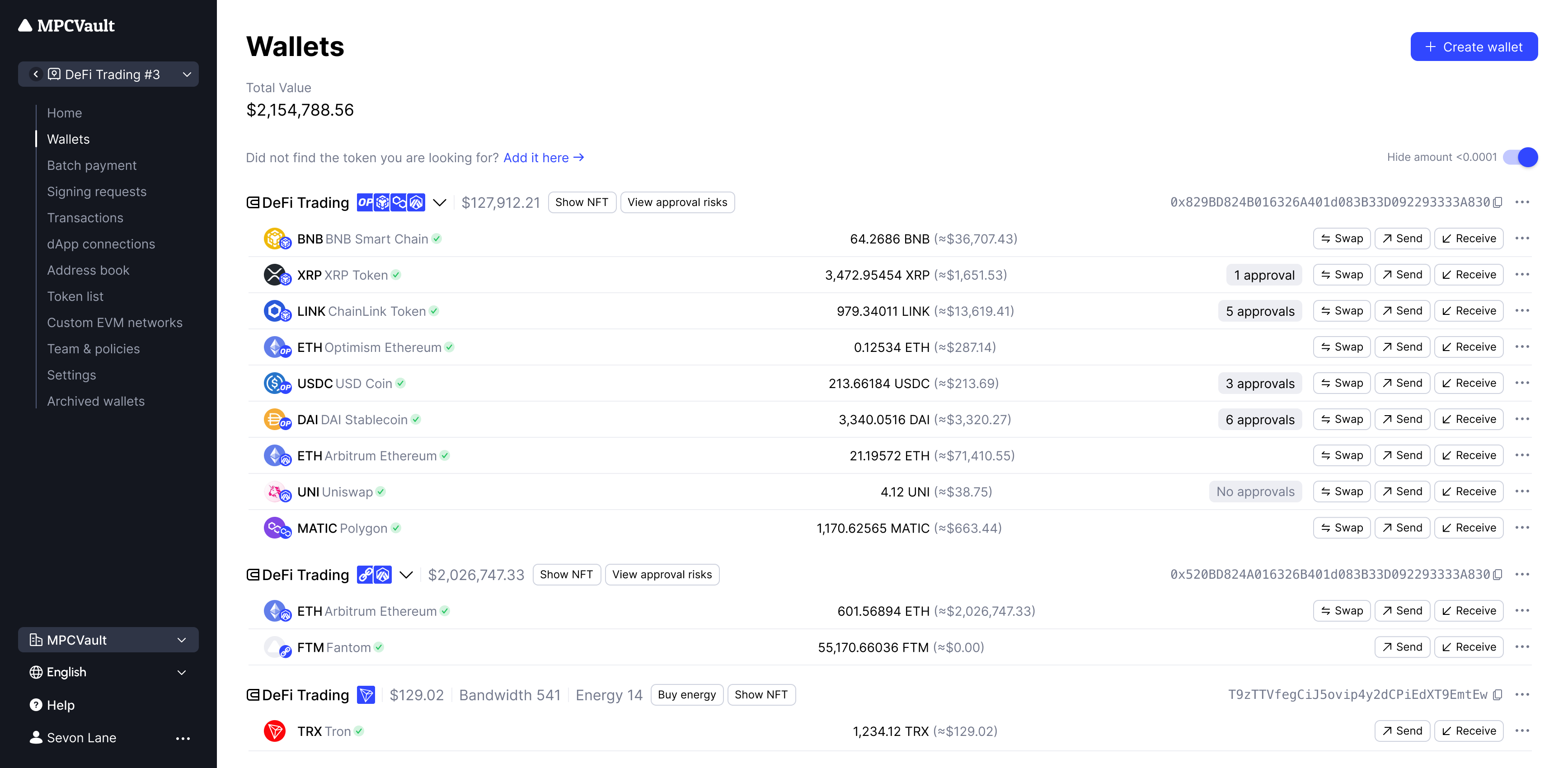 Each wallet address is derived using a unique path based on the vault index, network, and address index. See [Key Derivation](/key-derivation#derivation-paths--networks) for technical details on derivation paths and supported networks.
## Creating a Wallet
1. Go to **Wallets** and click **Create wallet**.
2. Select the blockchain network and click **Continue**.
Each wallet address is derived using a unique path based on the vault index, network, and address index. See [Key Derivation](/key-derivation#derivation-paths--networks) for technical details on derivation paths and supported networks.
## Creating a Wallet
1. Go to **Wallets** and click **Create wallet**.
2. Select the blockchain network and click **Continue**.
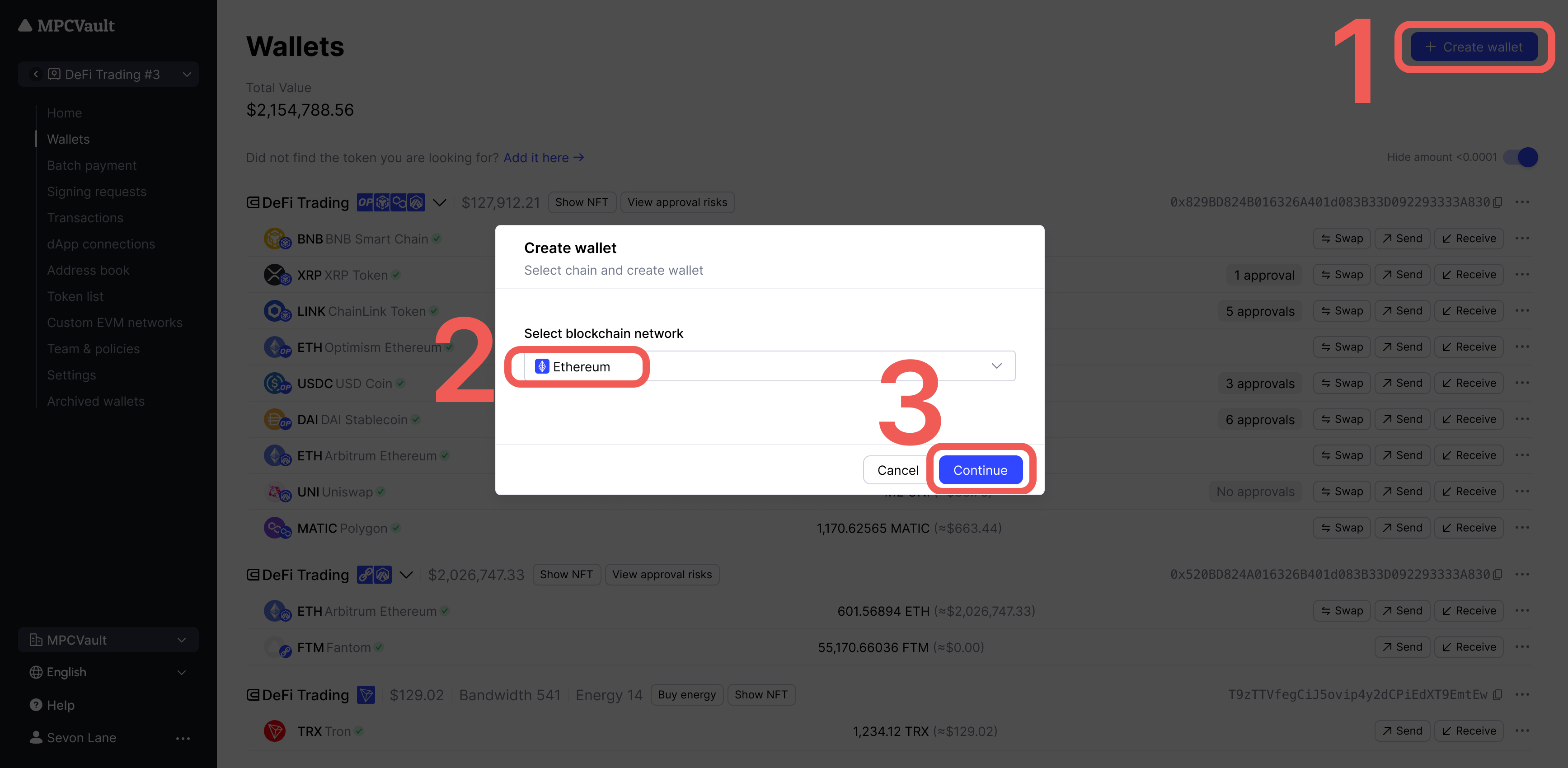 3. Sign the request in the MPCVault app.
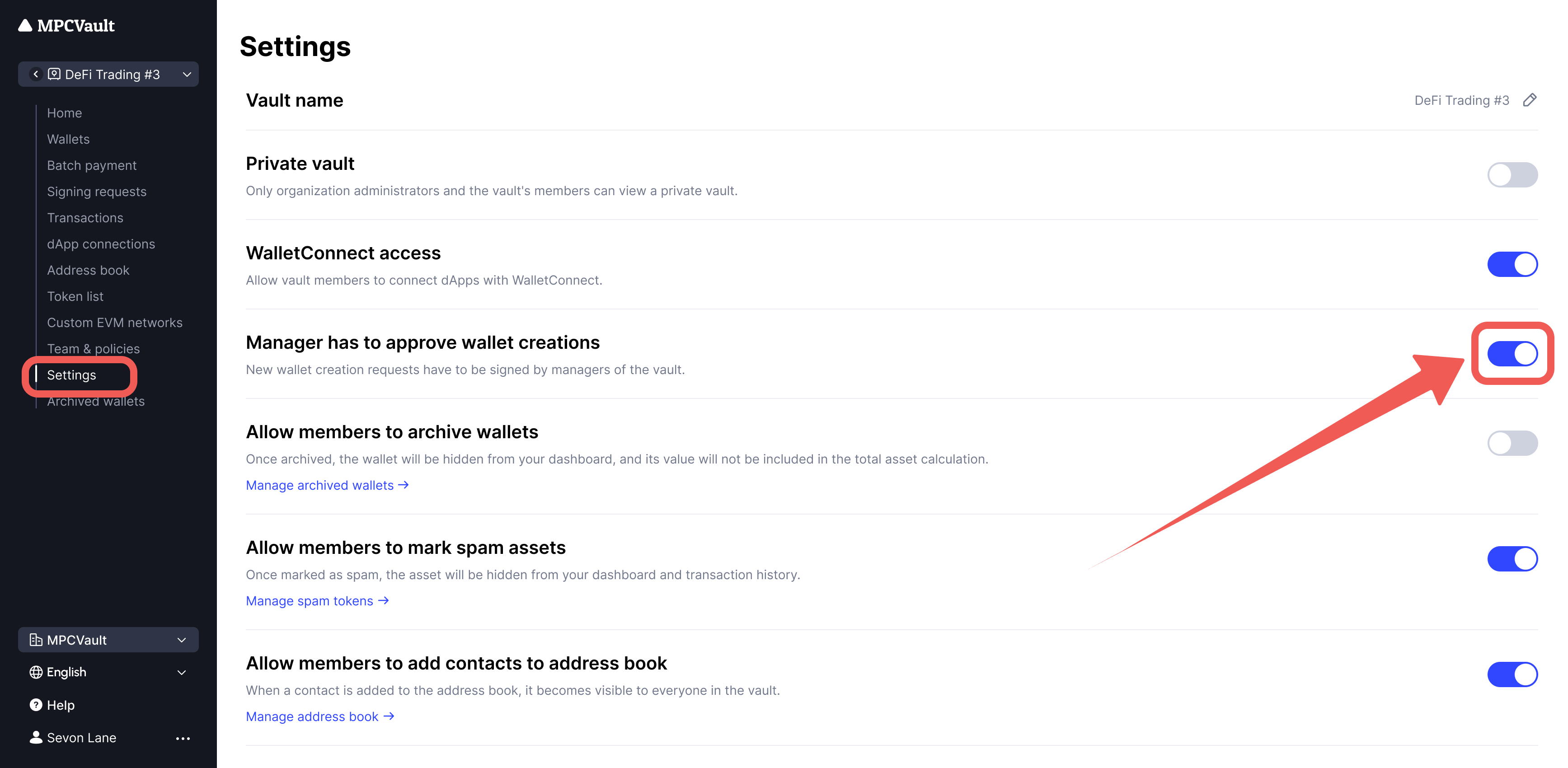 If **Manager has to approve wallet creations** is enabled in settings, a manager must approve the request.